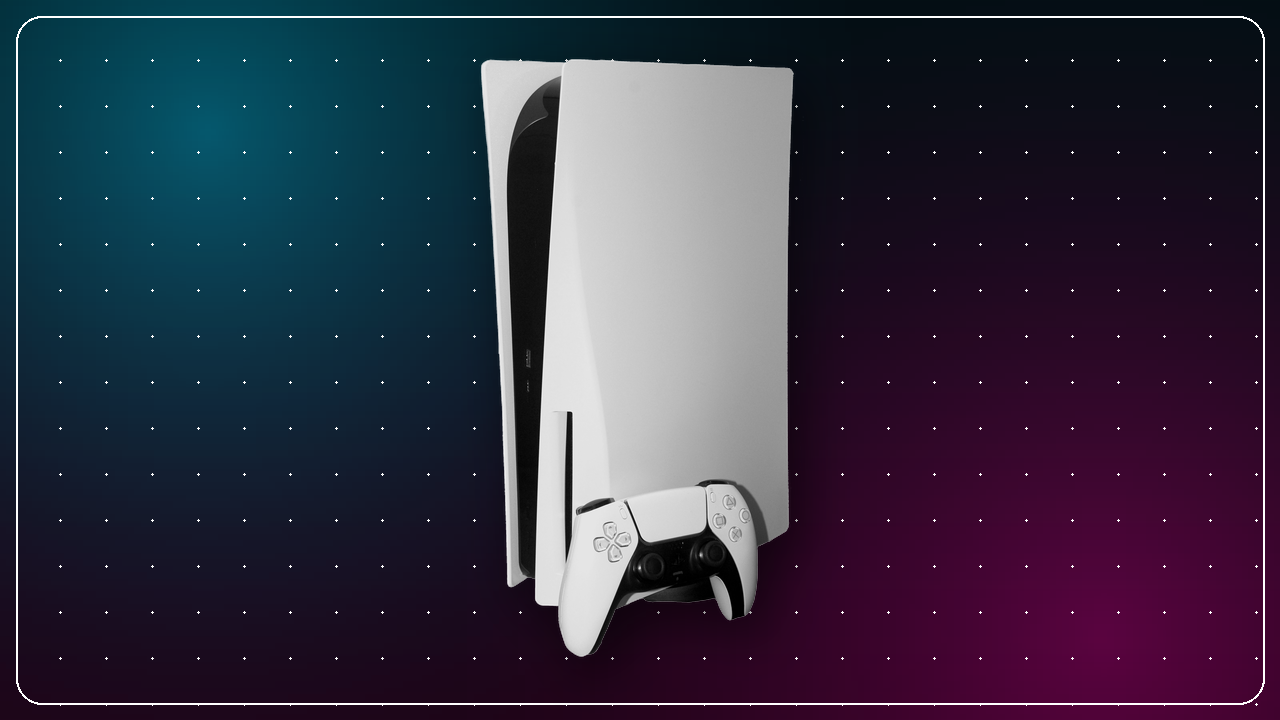
For roughly a full day in early February 2025, a large chunk of the PlayStation ecosystem simply stopped working. Sign-ins failed, online multiplayer dropped, and the PlayStation Store went dark. It was one of the more significant PSN disruptions in recent memory, and Sony followed it with something subscribers do not always get after downtime: automatic compensation. This recap covers what happened, what Sony gave members, how to confirm you received it, and how it fits PSN's longer reliability story.
What happened during the outage
The outage began on Friday evening, February 7, 2025 at approximately 8:00 PM Eastern Time, and it affected users worldwide rather than any single region. The core failure was authentication: players could not sign in to their PlayStation Network accounts. Because so much of the modern PlayStation experience sits behind that sign-in, the knock-on effects were broad. Online multiplayer became unreachable, and the PlayStation Store was inaccessible for purchases and downloads.
Sony's engineering teams worked through the night, and PlayStation Network functionality was restored by Saturday evening, February 8, 2025. All told, the disruption lasted approximately twenty-four hours. Crucially, it did not brick anyone's console: throughout the downtime, players could still launch single-player games and access content they had already downloaded. What broke was anything requiring a live PSN connection, including account services, storefront access, and online play.
A useful mental model for any PSN incident: your console and local library keep working, but the network layer that authenticates you and connects you to other players does not. Offline single-player titles are your safest bet while services recover.
The five-day PS Plus extension
On February 9, 2025, Sony confirmed through its official support channels that all PlayStation Plus members would automatically receive a five-day extension to their subscription. It applied across every tier, including Essential, Extra, and Premium, and required no action from users: no code to redeem, no form to fill out, no support ticket to open. Sony pushed the adjustment directly to member accounts.
Five days is longer than the outage itself, reflecting Sony's usual approach: match the approximate duration of the disruption and add a margin of goodwill. Because the extension modifies your subscription's end date at the account level, it applies regardless of how you pay. Monthly and annual subscribers were both covered, and members who use prepaid PlayStation Plus cards or subscribe through a third party were included too, since the adjustment changes your PSN subscription end date rather than any external billing cycle.
5 extra days of PlayStation Plus, applied automatically to Essential, Extra, and Premium members after a ~24-hour outage.
If you are weighing whether the subscription is worth it, our breakdown of the PS Plus tiers and what each includes pairs well with our PS Plus versus buying games on sale comparison.
How to verify your extension
You do not need to do anything to receive the extra days, but it is easy to confirm they landed. The extension shows up as a renewal or expiration date moved forward by five days from where it sat before. To check it:
- On your console, open Settings, then Users and Accounts, Account, and Payment and Subscriptions (menu labels vary slightly by system software version).
- Alternatively, sign in on the PlayStation website and open the subscription management section.
- Locate your active PlayStation Plus tier and confirm the next billing or expiration date has shifted forward by five days.
Annual subscribers see the five days at the tail end of their current term; monthly subscribers have their next renewal pushed back accordingly. Either way, the change is silent and permanent once applied, so there is no risk of it lapsing.
How this fits PSN's outage history
Sony has a long, well-established pattern of compensating PlayStation Plus subscribers for extended downtime by adding equivalent days to their subscription, and the February 2025 response fit that mold cleanly. The principle is simple: a subscription is a promise of continuous service, so significant interruptions are repaid in service rather than cash. That is why compensation comes as days of PS Plus rather than store credit or refunds.
Perspective on scale helps, too. A day-long worldwide sign-in failure is disruptive, especially on a weekend evening when online play peaks, but it is very different from the multi-week network rebuilds PlayStation weathered years ago. Here, service returned the next day and compensation followed within roughly two days of the outage starting, a brisk turnaround for a platform of PSN's size.
| Aspect | February 2025 outage |
|---|---|
| Start | Fri, Feb 7, 2025, ~8:00 PM ET |
| Restored | Sat, Feb 8, 2025 (evening) |
| Approx. duration | ~24 hours |
| Scope | Worldwide sign-in, online play, PS Store |
| Compensation | 5 days PS Plus, all tiers, automatic |
| Confirmed | Feb 9, 2025 |
What to do during future outages
Outages are rare but never fully avoidable, so a simple routine helps. The most useful habit is to distinguish a platform-wide problem from one on your end before you start unplugging things.
- Check the status page first. The PlayStation Service Status page breaks PSN into component services such as account management, gaming and social, the PlayStation Store, and PlayStation Video. Widespread issues there mean the fix is out of your hands.
- Do not troubleshoot a network-wide outage. If Sony reports the problem, restarting your router repeatedly will not help. Wait for restoration instead.
- If status looks green but you still cannot connect, the issue may be local. Restart your console and router, then check for system software updates that can resolve connectivity bugs. Our PS5 setup guide walks through a clean network configuration.
- Follow official channels. Sony typically posts restoration progress on its official PlayStation social accounts and through the PlayStation Blog during major incidents.
- Have an offline backup plan. Keep a single-player game or two installed so a downtime evening is not a wasted one. Our roundup of the best PS5 single-player games is a good place to start.
The bottom line for subscribers
The February 2025 PSN outage was a genuine inconvenience, lasting about a day over a Friday night, but Sony's response was clean and quick. Every PlayStation Plus member across Essential, Extra, and Premium received five extra days automatically, and the adjustment held regardless of how they paid. If you were subscribed at the time, the days are already yours; a look at your subscription end date confirms it. The episode leaves two durable lessons: keep the service status page bookmarked so you can tell a platform outage from a local one in seconds, and keep something offline installed so the network going quiet never means your evening does.
← Back to News