PS5 Beta Firmware Turns On PSSR 2.0 by Default for PS5 Pro
The opt-in toggle from March now applies the newer upscaler to every PSSR game, whether or not the developer certified it for 2.0.
The opt-in toggle from March now applies the newer upscaler to every PSSR game, whether or not the developer certified it for 2.0.
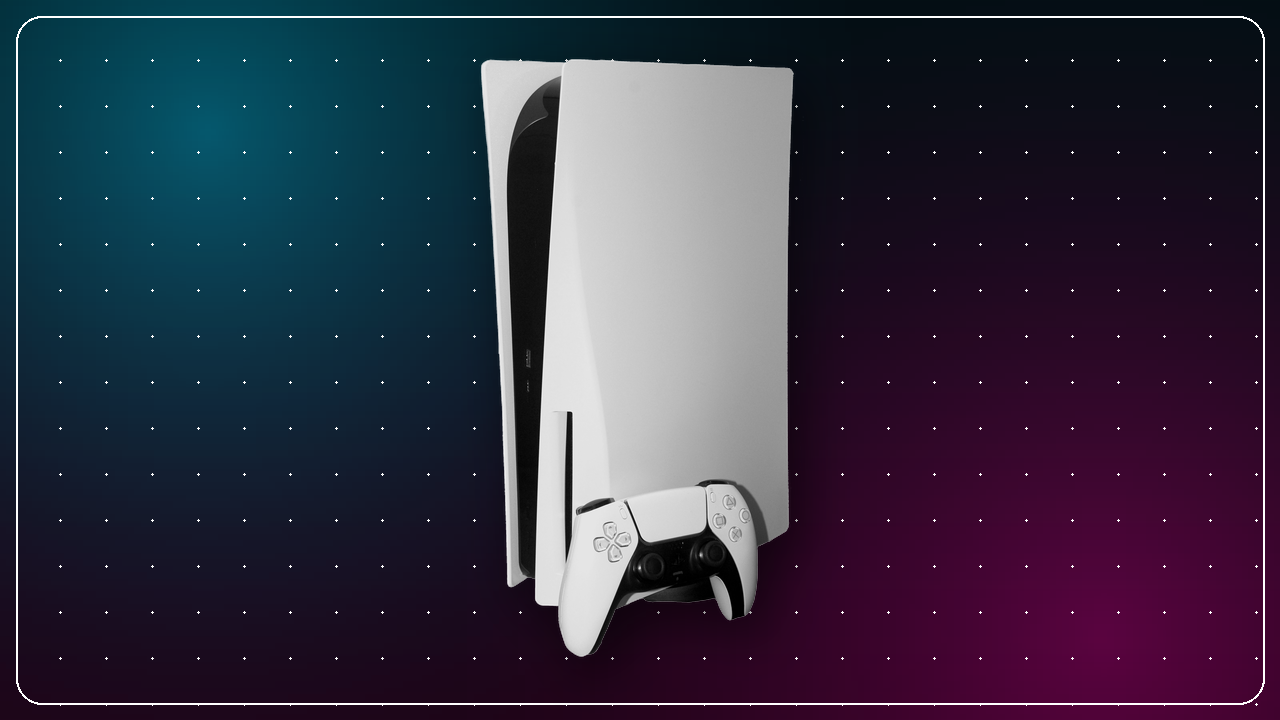
Sony has issued a new PS5 system software beta, and for PS5 Pro owners it carries the most consequential change the console has had this year. Enhance PSSR Image Quality — the toggle added quietly in March, which most people never found — is now switched on by default. That means the upgraded version of PlayStation Spectral Super Resolution is applied to any game that supports PSSR at all, including titles whose developers never certified them for the newer model. The build went out to beta testers on 6 August 2026. It is not a general release, and Sony has not said when these changes reach everyone.
The changelog is short. Push Square and PlayStation LifeStyle both published the same three items on 6 August: the PSSR default, a new option to switch Bluetooth off entirely, and the boilerplate line about improved system software performance and stability. There is no interface overhaul, no new social feature and nothing for storage or accessibility in this one.
| Change | Applies to | Status |
|---|---|---|
| Enhance PSSR Image Quality on by default | PS5 Pro only | Confirmed in beta |
| Turn Off Bluetooth option | PS5 and PS5 Pro, certain countries or regions | Confirmed in beta |
| System performance and stability | All PS5 consoles | Confirmed in beta |
| Public rollout to all consoles | — | Not announced |
If you own a standard PS5, that is genuinely the whole story: nothing in this beta changes what your console does day to day. The interesting part is entirely a PS5 Pro affair, and our PS5 vs PS5 Pro comparison covers why the upscaler is the thing that separates the two machines in the first place.
PSSR is the machine-learning upscaler that lets the PS5 Pro render at a lower internal resolution and reconstruct a sharper image, and it is the Pro's central selling point. The revised model — widely referred to as PSSR 2.0 — arrived in a March 2026 update, which PlayStation LifeStyle covered at the time, but it was opt-in: you had to know to go to Settings → Screen and Video → Video Output and turn on Enhance PSSR Image Quality yourself. In practice, most Pro owners never did.
The beta flips that. With the setting on by default, Sony's notes say the enhanced version of PSSR is used even for games that support the previous version — so the upgrade reaches your library without any developer needing to patch anything. VGC makes the important caveat plain: more than 100 games shipped with the original PSSR, and not all of them have been officially updated for the new model. This is a blanket substitution, not a per-game certification.
For most titles that should be a straightforward win, since the newer model was built to fix the temporal instability and shimmering that dogged the first version. But the original PSSR drew a mixed reception, with players reporting artefacts in games such as Silent Hill 2 and Star Wars Jedi: Survivor, and applying a different reconstruction model to a game that was never tested against it is exactly the kind of change that can help ninety games and hurt three. The setting remains a toggle, so if a specific game looks worse to you after the update, turn Enhance PSSR Image Quality back off in the same Video Output menu and compare.
The second change is narrower and easy to misread. A new option under Settings → Accessories → General → Advanced Settings lets you disable Bluetooth on the console outright. Sony's own note, quoted by VGC, is unusually direct about what it is for: “Do not use this feature for any other purpose.” The intended use is managing controller connections at esports venues and similar locations, where dozens of pads and headsets in one room create interference.
The trade-offs are real, which is why this is not a setting for a living room. With Bluetooth switched off, the console can no longer enter rest mode, and HDMI device link support is disabled — so no overnight downloads or updates while the console sleeps, and no more turning your TV on with the controller. Push Square and PlayStation LifeStyle both note the option is limited to certain countries or regions. If you use a DualSense across several devices, our DualSense guide covers the pairing behaviour this would interrupt.
Beta builds are not public downloads. Sony runs an invitation-based system software beta programme and emails selected participants when a build is ready, which is how this one reached testers and, from there, PlayStation Universe and the rest of the press on 6 August.
According to Sony's own registration page, you must be 18 or over, hold a PSN account in good standing with a current email address, and be located in the United States, Canada, Japan, the United Kingdom, France or Germany. Sony also asks participants to give feedback in English or Japanese. Registering is not a guarantee of anything — invitations are issued at Sony's discretion, and plenty of people who sign up are never picked for a given build. If you would rather not run pre-release firmware on the console you actually play on, waiting costs you nothing: the changes come to everyone eventually, and our PS5 setup guide is the better starting point for a console you want stable.
When this build does leave beta, most PS5 consoles will handle it without you noticing. There are two reliable routes:
If a download stalls, a wired connection or a router restart usually clears it. Should an update ever fail to install normally, Sony documents a Safe Mode recovery route, but for a routine system update the standard automatic or manual path is all you need.
Most PS5 firmware releases are housekeeping. This one is not, at least not for the roughly one-in-ten PS5 owners on a Pro: it changes how their existing games are rendered, by default, without asking. That is the right call on balance — a better upscaler sitting switched off because nobody found the menu was a waste of the hardware people paid extra for — but it does mean the first thing to do when the update goes public is look at a game you know well and decide for yourself whether it looks better. The toggle is still there in Screen and Video → Video Output if it does not.
For everyone on a standard PS5, this is a skip. The Bluetooth switch is built for esports venues and carries costs — no rest mode, no HDMI link — that make it a poor idea at home, and the rest is stability work you will never see. Leave auto-update on in Rest Mode and let it arrive. Sony's official PS5 system software update page remains the authoritative record of what has actually shipped in your region, as opposed to what is still being tested. We will update this page when the beta graduates.
← Back to News