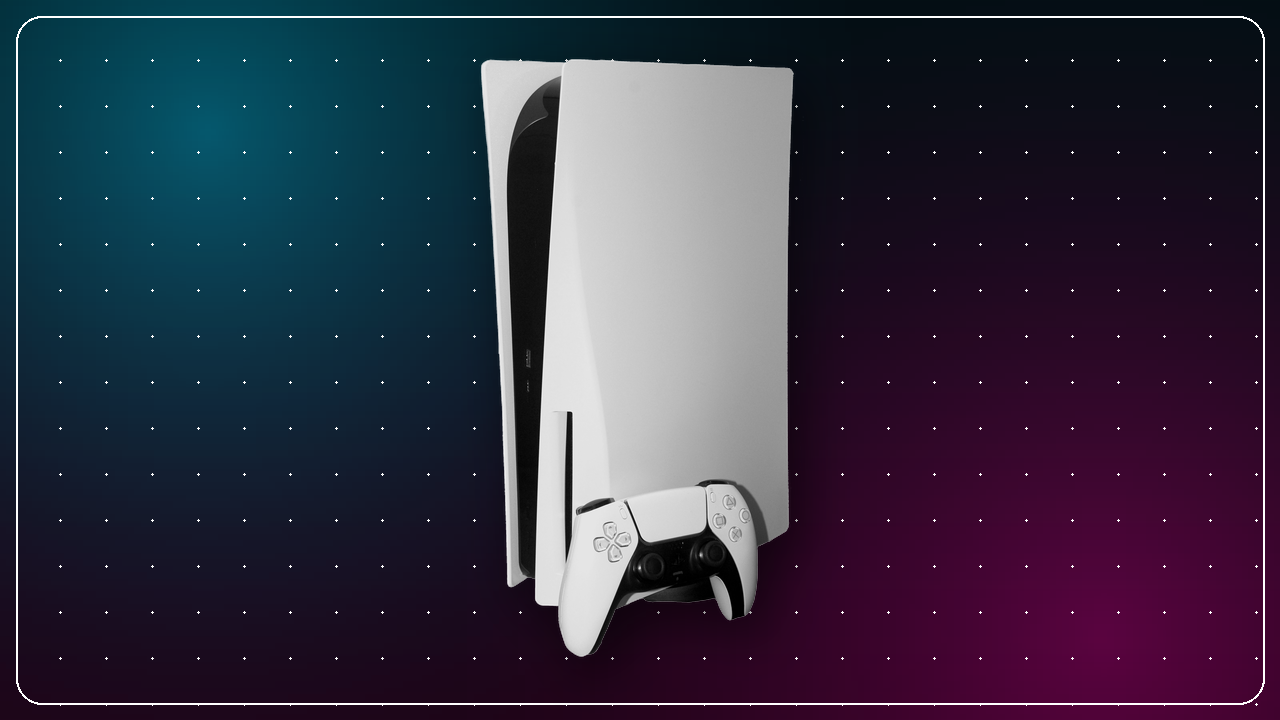
PS5 Hardware & Accessories Guide

Which console, SSD, and headset actually make sense in 2026 — independent advice, no affiliate links.

How to read this guide: We don't sell anything and we don't use affiliate links. Everything below is editorial advice. Prices and stock change constantly, so we point you to official sources — the PlayStation Direct store and manufacturer pages — where you can confirm current details before you buy.

Which PlayStation 5 Should You Buy?

Every current PS5 plays the same games at the same quality. The only real decisions are whether you want a disc drive and whether you want the extra GPU horsepower of the Pro. Here's how the line-up breaks down.

PS5 (Slim, Disc Edition)

Best all-rounder

The default pick. The built-in Ultra HD Blu-ray drive lets you play physical games, buy pre-owned, sell titles you've finished, and watch 4K discs. Choose this unless you're certain you'll only ever buy digitally.

PlayStation Direct →
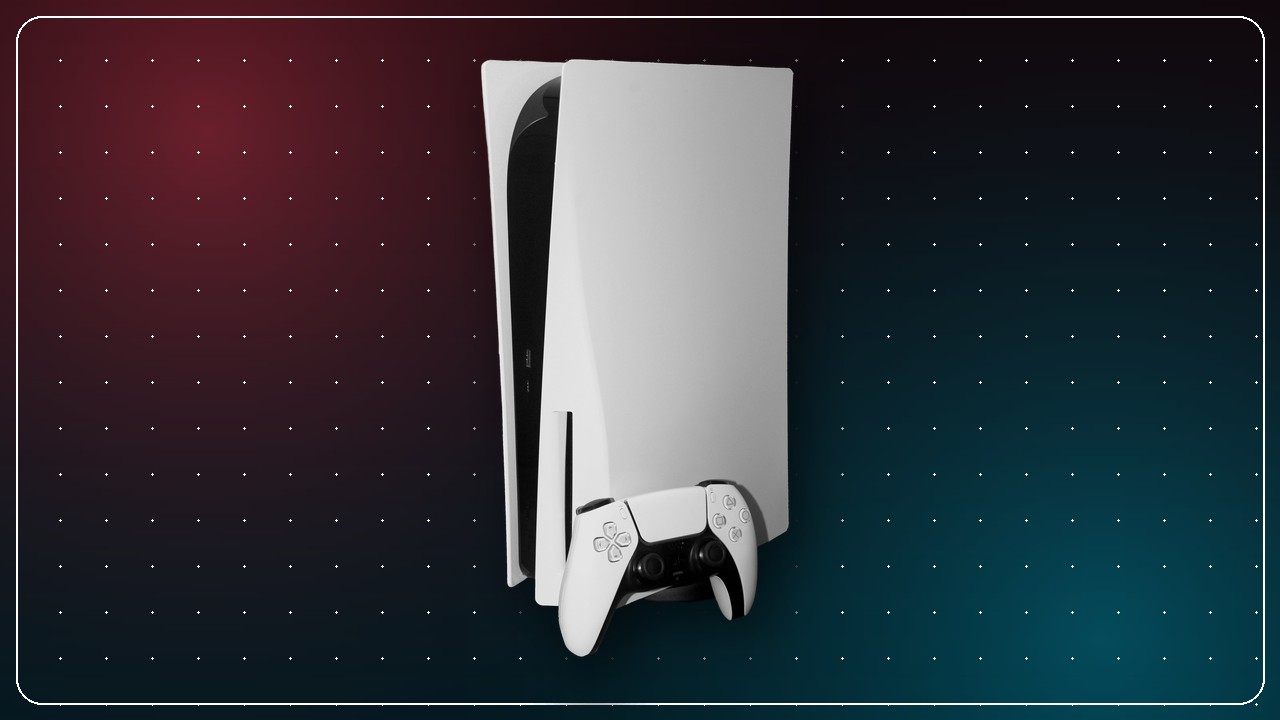
PS5 Digital Edition (Slim)

Cheapest entry

Identical performance, no disc drive, lower price. Great if you buy everything from the PlayStation Store — but you lose physical resale and can't add the drive's savings on pre-owned games later. A disc drive can be attached separately if you change your mind.

PlayStation Direct →

PS5 Console Bundles

Best value for newcomers

Sony regularly bundles the console with a marquee first-party game. If a bundle includes a title you already want, it's usually cheaper than buying the two separately — the ideal starting point for a first PS5.

PlayStation Direct →
Thinking about the Pro? The PS5 Pro targets players with a 4K/120 or VRR display who want the smoothest possible image without choosing between "performance" and "fidelity" modes. If you game on a 1080p TV, the standard PS5 is the smarter buy. See our PS5 Pro revision breakdown for the finer details.

Expanding Your Storage

The PS5's internal SSD fills up fast — Call of Duty alone can eat 200 GB. You can add a second drive in the console's M.2 slot, but not every SSD qualifies. Sony's requirements are specific.

What a PS5-compatible SSD needs

  • PCIe Gen4 M.2 NVMe (2280 form factor) — SATA and Gen3 drives are not supported.
  • 5,500 MB/s sequential read or faster — Sony's stated minimum for a smooth experience.
  • A heatsink — either a drive with one pre-installed, or a separate low-profile heatsink. The PS5's slot cover will not close over a drive that's too tall.
  • 500 GB–8 TB capacity — 1 TB or 2 TB hits the sweet spot for most libraries.

WD_BLACK SN850X (with heatsink)

Storage · Gen4 NVMe

A frequently recommended PS5 drive: comfortably above the 5,500 MB/s bar and sold in a version with a heatsink sized to fit the slot. A representative example of what to look for — any drive meeting the checklist above works.

Manufacturer page →

Headsets & Audio

The PS5's Tempest 3D AudioTech works over any headphones plugged into the DualSense, so you don't need to spend a fortune. The main choice is wireless convenience versus wired simplicity and lower latency.

Logitech G435 Lightspeed

Wireless · Lightweight

A good example of a value wireless set: low-latency 2.4 GHz USB dongle, very light on the head, and long battery life. Ideal if you want cable-free play without stepping up to a premium price.

Manufacturer page →

HyperX Cloud Stinger 2 Core

Wired · Budget

A representative budget wired option: plugs straight into the DualSense's 3.5 mm jack, comfortable padding, and a swivel-to-mute mic. Zero setup, zero charging — plug in and play.

Manufacturer page →

Sony's own PULSE range

Wireless · First-party

Sony's PULSE Elite headset and PULSE Explore earbuds use PlayStation Link for low-latency lossless audio and pair seamlessly with the console. The premium, no-fuss route if you'd rather buy first-party.

PlayStation accessories →
Product names and images are illustrative examples chosen to show what to look for. PS-Gaming.com is independent, uses no affiliate links, and earns nothing from your purchases. Always confirm current specs, compatibility, and pricing on the official manufacturer or PlayStation pages before buying.